
A face, and something for it to say
The face comes from a picture or a clip. The words arrive as a recording you upload or as text the model speaks itself — which is what changes how much you have to supply.
- A face A photograph on most models, a clip on the two that take one. This is who is speaking.
- The words Either an audio file you upload, or text the model speaks in a voice of its own. The model you pick decides which.
- Direction How it is delivered rather than what is said — held look, small nods, hands just inside the frame. On a model given audio, this is all the prompt carries.
A face, a track, and the direction to play it
Upload the source
A video for the video-to-video models, a portrait for the avatar and image-to-video models, or a reference clip. The source decides which of the four modes you are in, and the mode decides which models are available. 200 MB per slot.
Supply audio, or don't
Most of the fourteen take an audio track and drive the mouth from it. Six do not: Veo 3.1, Seedance v1.5, Kling v2.6 and all three Wan models generate what is spoken rather than following a track you give them.
Write the prompt
The prompt is the app's central control, required on seven of the fourteen and capped at 2000 characters. It is direction rather than dialogue — pace, where they look, what their hands do. On the models that speak it, it is both. A negative prompt of up to 600 characters names what to keep out.
Check the face
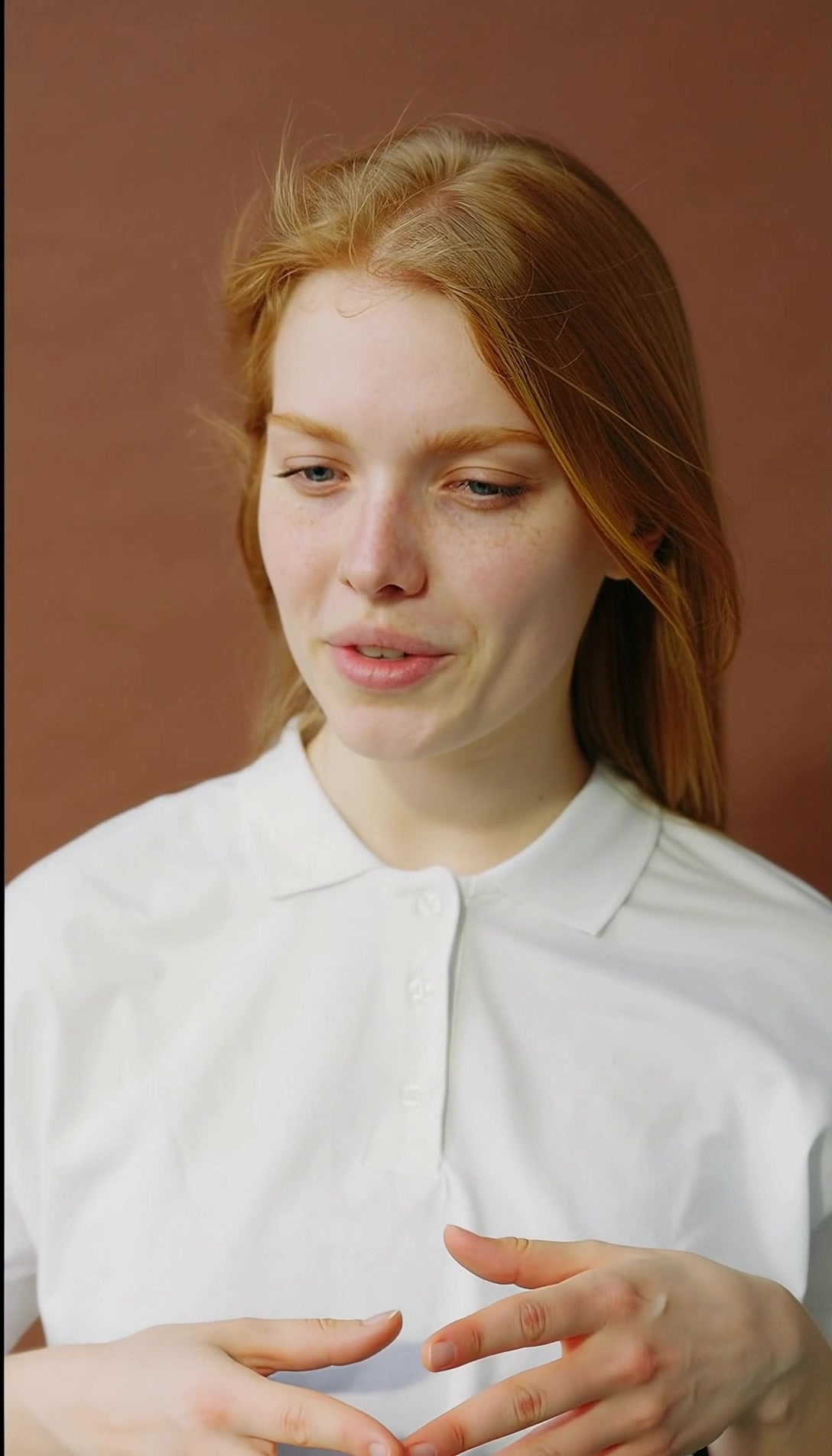
Front-on, mouth visible, nothing crossing it. A hand near the jaw or hair over the mouth is the most common reason a take comes back wrong. Clip length is validated before the job is submitted, so a paid run does not fail at the provider.
What Lipsync takes, and what it returns
What Lipsync needs from you
- Source
- A video, a portrait or a reference clip, depending on the mode. 200 MB per slot
- The face
- Front-on, mouth visible, nothing crossing it — a hand near the jaw or hair over the mouth is the top cause of a bad take
- Audio
- Required by most models; six generate their own — Veo 3.1, Seedance v1.5, Kling v2.6 and the three Wan models
- Prompt
- Required on seven of the fourteen, up to 2000 characters. Direction, not dialogue
- Rights
- Permission to use the likeness and the voice in the clip
Export specifications
- Output
- A video clip with the mouth driven by your audio, or by the model's own speech
- Modes
- Image-to-video, video-to-video, ai-avatar and reference-to-video
- Price
- Per second, by model and variant. Veo 3.1 is 980 at 720p and at 1080p, 1470 at 4K, 368 on the fast variant
- Delivery
- Rendered clip in your workspace library
Fourteen models, each declaring what it takes
Nothing is common to all fourteen — each model declares its own inputs and the app renders exactly those. The controls below are the ones you will meet, with the models that offer them named.
-
Mode
Image-to-video, video-to-video, ai-avatar or reference-to-video
Set by what you upload, and it narrows the catalogue to the models that can do that job.
-
Prompt
Up to 2000 characters, required on seven models
The app's central control, and it is direction rather than dialogue — pace, where they look, what their hands do. On the models that generate their own speech, it is both.
-
Negative prompt
Up to 600 characters
What to keep out of the take when the prompt alone keeps pulling it in.
-
Audio track
Taken by eight of the fourteen
The track the mouth follows. Veo 3.1, Seedance v1.5, Kling v2.6 and the three Wan models take none and produce the speech themselves.
-
Resolution
Per model
The output size the clip renders at. Each model publishes its own set, and it is usually the price control — though not on Veo 3.1, where 720p and 1080p cost the same.
-
Duration
Per model
How long the synced clip runs, and a voice track is checked against the model's own limit before the job is submitted so a paid run does not fail at the provider. Kling AI Avatar takes the longest, up to five minutes; Infinitalk takes fifteen seconds.
-
Aspect ratio
Per model
The frame the render lands in, so a vertical cut does not need reframing afterwards.
-
Mode (HeyGen)
Speed or precision
On HeyGen Lipsync v3. Speed for drafts, precision when the mouth has to survive a close-up.
Engine choice
Pick the one that matches your source.
- Speed or precision
HeyGen Lipsync v3
Video-to-video lipsync, with a speed mode for drafts and a precision mode for close-ups.
Close-up dubbing
- Whole-clip dub
Sync Lipsync v2
Video-to-video dubbing that re-voices a whole finished clip, suited to production at volume.
Dubbing finished cuts
- Real faces
OmniHuman
ByteDance's image-to-video model, built around human subjects and at its best on real faces.
Realistic human faces
- Singing
Infinitalk
A talking-avatar model driven by up to fifteen seconds of audio, and it can sing.
Sung lines and short takes
- Long takes
Kling AI Avatar
A multilingual avatar model that animates a portrait to voice tracks up to five minutes long.
Long spoken takes
- Expressive
Kling Avatar v2
The newer Kling avatar model, multilingual and up to five minutes, with more expressive faces.
Expressive multilingual avatars
- Speaks the prompt
Kling v2.6 Lipsync
Image-to-video that generates the speech itself from the prompt, for when you have no recording.
Speech without a recording
- Up to 4K
Veo 3.1 Lipsync
Google's image-to-video model with native audio, rendering up to 4K with speech it generates.
High-resolution finished shots
- Animated avatars
Wan 2.5
An animated talking-avatar model that generates its own speech, with no audio track taken.
Self-voiced avatar clips
- Speed
Wan 2.5 Fast
The speed-tuned Wan 2.5, also generating its own speech, for drafts and quick iteration.
Drafts and iteration
- Better audio
Wan 2.7
The newer Wan talking-avatar model, generating its own speech with improved audio quality.
Higher-quality self-voiced avatars
- Cinematic
Seedance v1.5
Seedance's cinematic image-to-video model, generating its own speech rather than following a track.
Stylised cinematic delivery
- Reference-to-video
Seedance 2.0 Lipsync
Seedance's reference-to-video model, syncing an image to an audio track you supply.
Stylised delivery to your track
- Low cost
P-Video Avatar
PrunaAI's avatar model, fast and low-cost, for lipsync clips produced in volume.
High-volume avatar work
Built for footage whose audio changed after the shoot
-
Localisation teams
Put a translated track on the original performance rather than subtitling over it.
-
Course and training teams
Update a line in a lesson without bringing the presenter back in front of a camera.
-
Marketing teams
Recut a spot for a new claim or a new market from the footage you already have.
Often used with

Built for Growth at Every Stage
Every plan includes every model and every feature. Plans only change how many credits you get and how many generations run at once.
- Credits refresh monthly
- Top-up additional credits anytime
- Unused credits don't roll over

Not ready for the commitment?

FAQ
Frequently asked questions
Everything you need to know about Lipsync on BeHooked.
Do I need rights to the face and the voice?
Yes. You need permission to use the likeness in the source and the voice in the audio. Do not sync a person who has not agreed to it.
Is there a prompt, and what goes in it?
Yes, and it is the app's central control — required on seven of the fourteen models and capped at 2000 characters. It is direction rather than dialogue: pace, where they look, what their hands do. On the models that generate their own speech it is both, because it also decides what is said. A separate negative prompt of up to 600 characters names what to keep out.
Do I have to supply an audio track?
It depends on the model. Eight of the fourteen take a track and drive the mouth from it. Six take none and produce the speech themselves: Veo 3.1, Seedance v1.5, Kling v2.6 and all three Wan models. The app renders the audio slot only on the models that accept one.
Why does my take come back wrong?
Almost always the framing of the face. Front-on, mouth visible, nothing crossing it — a hand near the jaw or hair over the mouth is the most common reason a take comes back wrong. Clip length is the other one, and the app validates that before submitting rather than after, so a run that would fail at the provider does not get paid for.
How many models are there, and how do I choose?
Fourteen, across four modes — image-to-video, video-to-video, ai-avatar and reference-to-video — and what you upload decides which of them you are in. From there: HeyGen Lipsync v3 or Sync Lipsync v2 for video-to-video dubbing, OmniHuman for close-ups of human faces, the Kling, Wan and P-Video models for avatar work, Kling AI Avatar when the take is long, Infinitalk when it is sung, and Veo 3.1 when you have no audio at all. Nothing is common to all fourteen — each model declares what it takes and the app renders exactly that.
What does it cost?
Per second, and the rate depends on the model and the variant you pick. Veo 3.1 Lipsync is 980 credits per second at 720p and the same 980 at 1080p — the two resolutions cost the same, so there is no reason to render the smaller one — rising to 1470 at 4K, while its fast variant is 368. Failed runs are refunded.
What is the longest clip it can hold?
Kling AI Avatar and Kling Avatar v2 take the longest voice tracks, up to five minutes. Infinitalk takes up to fifteen seconds but supports singing, which most of the catalogue does not. A track longer than the model takes is refused before anything is charged. Uploads are capped at 200 MB per slot.
What is the difference between speed and precision mode?
They are the two modes on HeyGen Lipsync v3, not a setting the whole catalogue shares. Speed is for drafts and review passes; precision is what you want when the mouth is on screen in a close-up.